Features
Knit in Time has four authoring paths and a focused tracker. Use whichever fits the pattern you're working on.
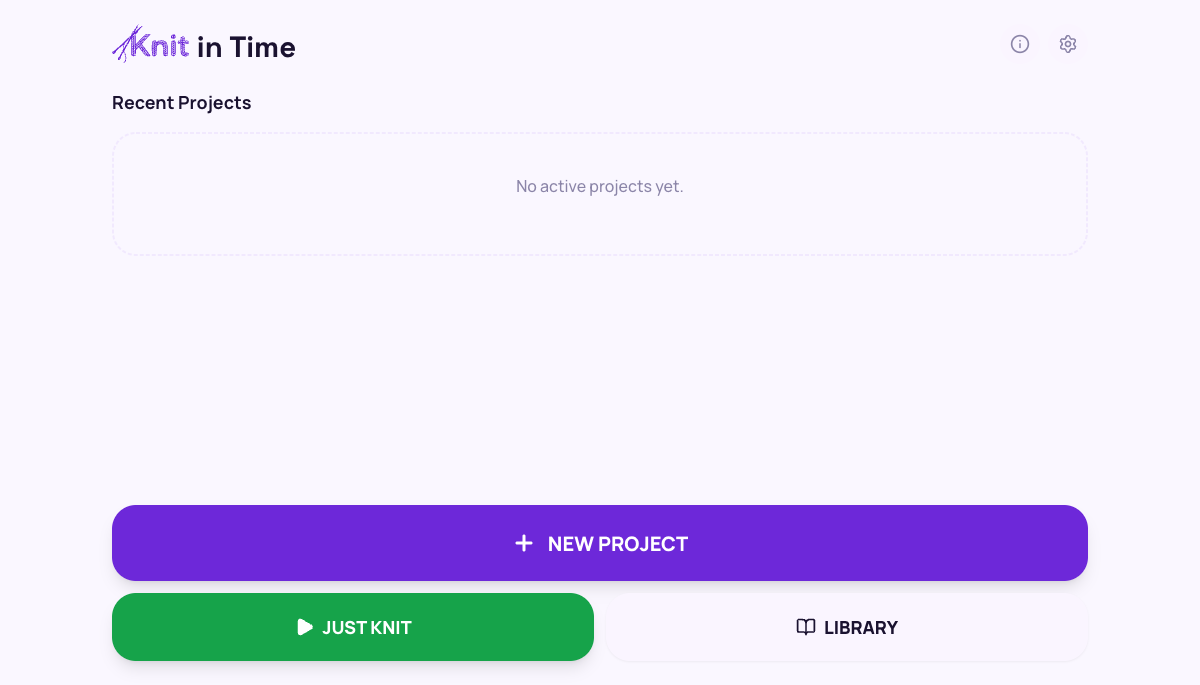
Home & activity calendar
The home screen opens on an activity calendar — every day you knit is marked, so your streak and momentum are visible at a glance, with this month's knitting time and total days knit summarized above it.
Your most recent project sits in a one-tap resume card, so you can pick up exactly where you left off. New Project and Just Knit are always one tap away, and tapping any calendar day shows what you knit that day.
Tracker
Big tap-target. Per-row timer. Wake-lock on mobile. Vibration on tap. The tracker is the focus surface — everything you need, nothing you don't.
Pause, resume, scrub forward and backward. Every action is event-sourced; your progress is always recoverable.
Attach a PDF to any pattern — the tracker shows it in a togglable view alongside the row counter, so you can read your printed chart and tap NEXT without leaving the app. PDFs stay on the device that attached them; the row counter still syncs.
Wizard
Got a pattern as plain text? Paste it line-by-line into the wizard and it becomes a trackable pattern in seconds. Best for simple, linear patterns where you want to start knitting now.
Builder
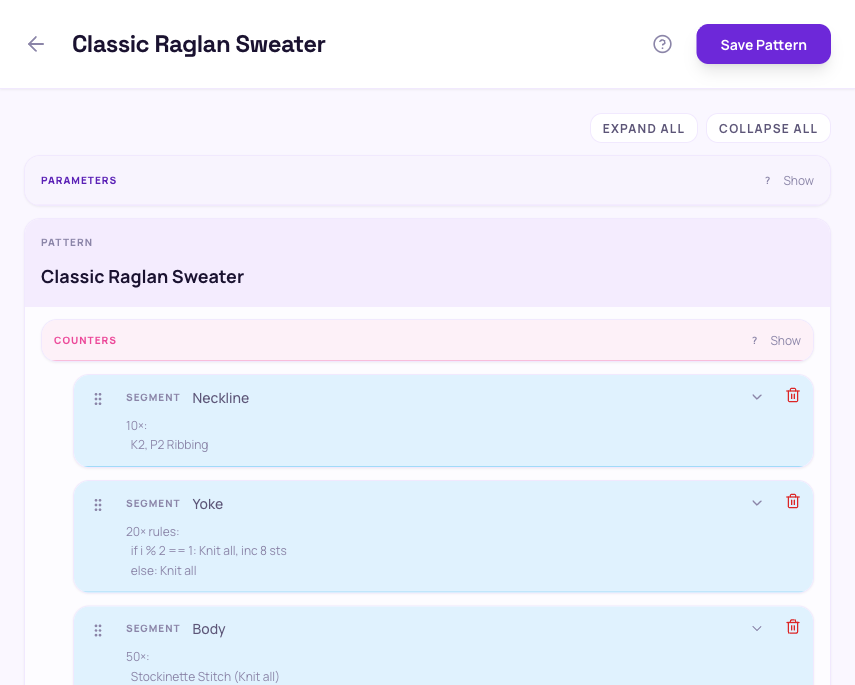
The Pattern Builder is a recursive tree editor. Patterns are made of segments; segments contain rows, repeats, rule blocks, and notes. Repeats can be fixed-count ("knit 32 rows") or condition-based ("knit until live stitches reach 36").
Rule blocks let one row pick its instruction based on the iteration: odd vs. even rows, every fourth row, etc. Counters and parameters bind everything together.
Detailed reference: Pattern Builder reference.
Forking
Every pattern can be forked. Knit in Time deep-clones the pattern and assigns fresh IDs so your edits never modify the original. Forks live in your library alongside the source pattern.
Parameters and counters
Parameters are the knobs the knitter sets when starting a project — cast-on count, leg length, sleeve length. Counters track values that change while knitting — live stitches, picked-up gusset stitches, decreases worked.
Both flow through the pattern's expressions: a row's instruction can interpolate the current cast-on count; a repeat can run until live stitches equal a target. The tracker computes everything live.
Library
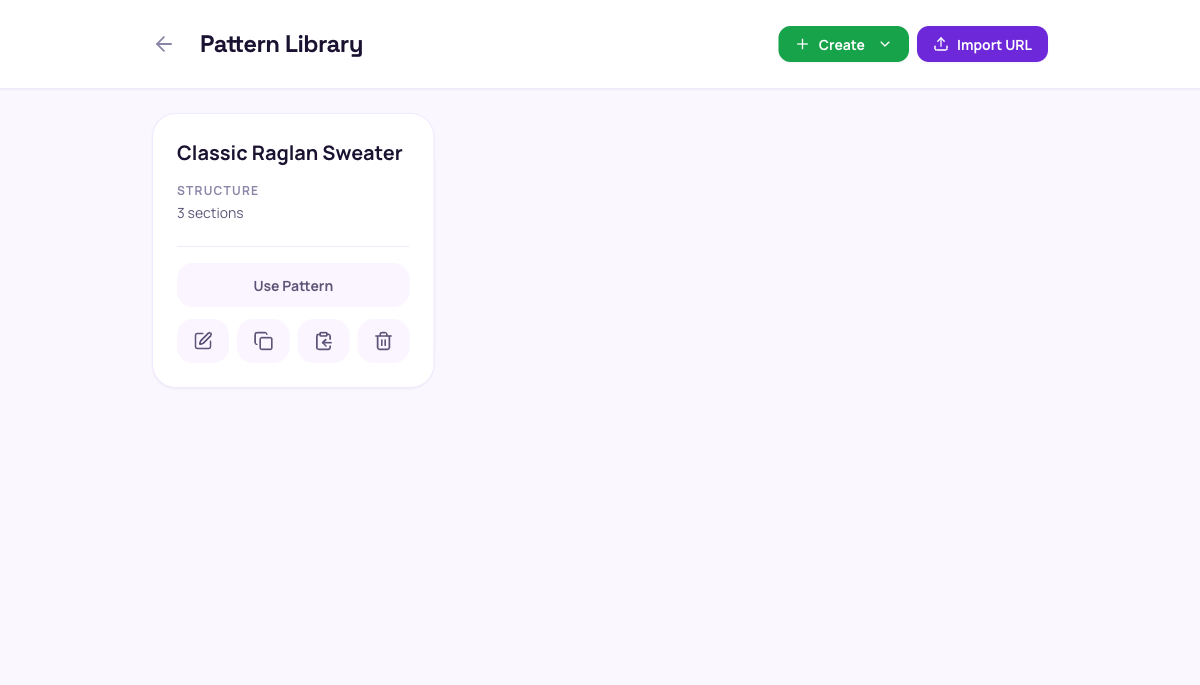
Your patterns live in your local Library. Edit, fork, or delete them, or tap Use Pattern to start a project — New Project on the home screen brings you here too. Add new ones from a chooser screen with several paths — Builder, AI Import, Just Knit, Simple Wizard, URL, Paste DSL, or Paste JavaScript. Your pattern text stays on your device.
Ready to try it?
Open the app